USING YOUR OWN ROUTER - BRIDGE MODE
Using Your Own Router - Bridge Mode
Last Updated: July 24, 2026
Using Your Own Wi-Fi Router?
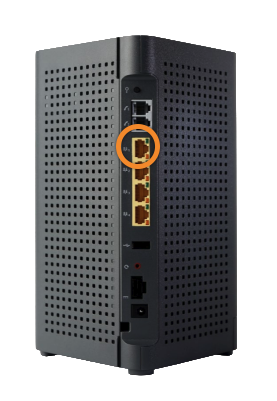
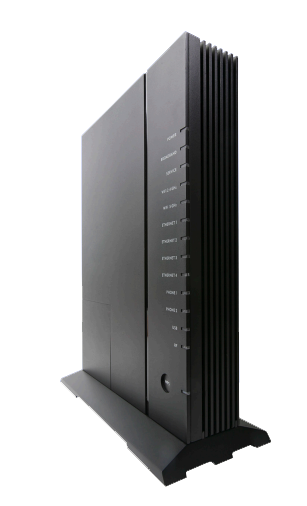
With WTC Fiber you can use the Managed Wi-Fi Router that is provided, or your own! Below displays what ports you should plug in to depending on the equipment in your home. If you do not see your ONT below, please reach out to support@wtcks.com for assistance.
1
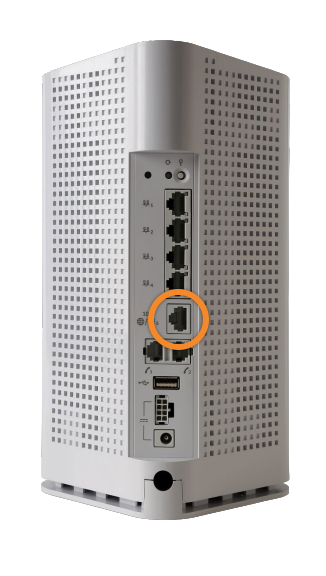
G5229, 5239, 4237: Plug in to port 5 - the 10Gb port.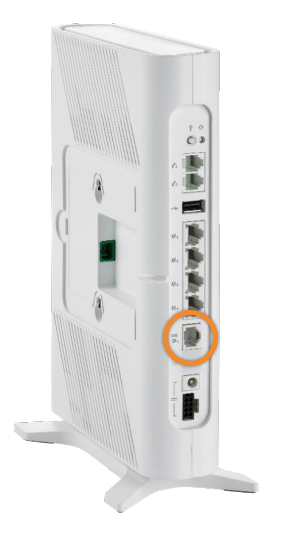
2
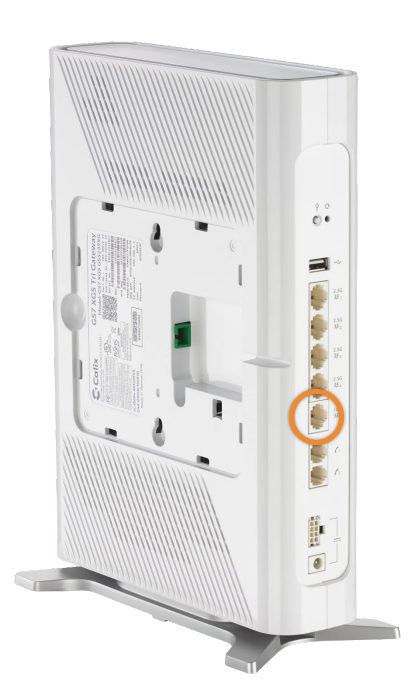
G2128: Plug in to port 1.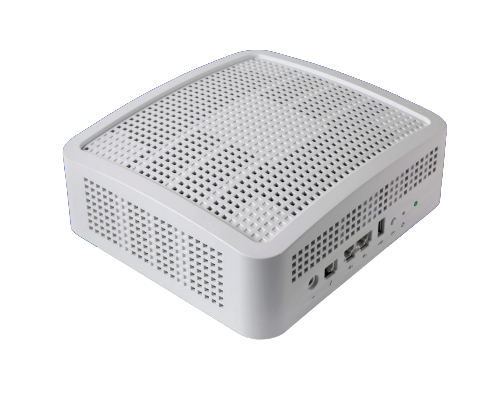
3
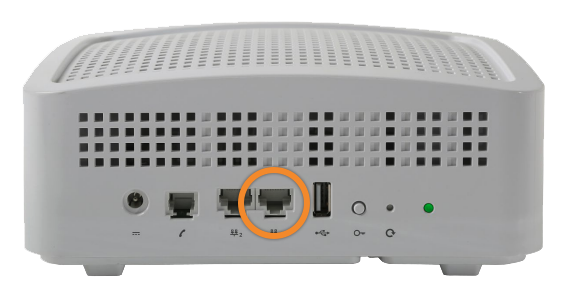
G4227, 812, 844: Plug in to port 1. If you have WTCtv, this may change. Please reach out to support@wtcks.com if you're changing to your own router and have WTCtv.