
PROTECT IQ SUPPORT
Protect IQ Support
Last Updated: October 30, 2026
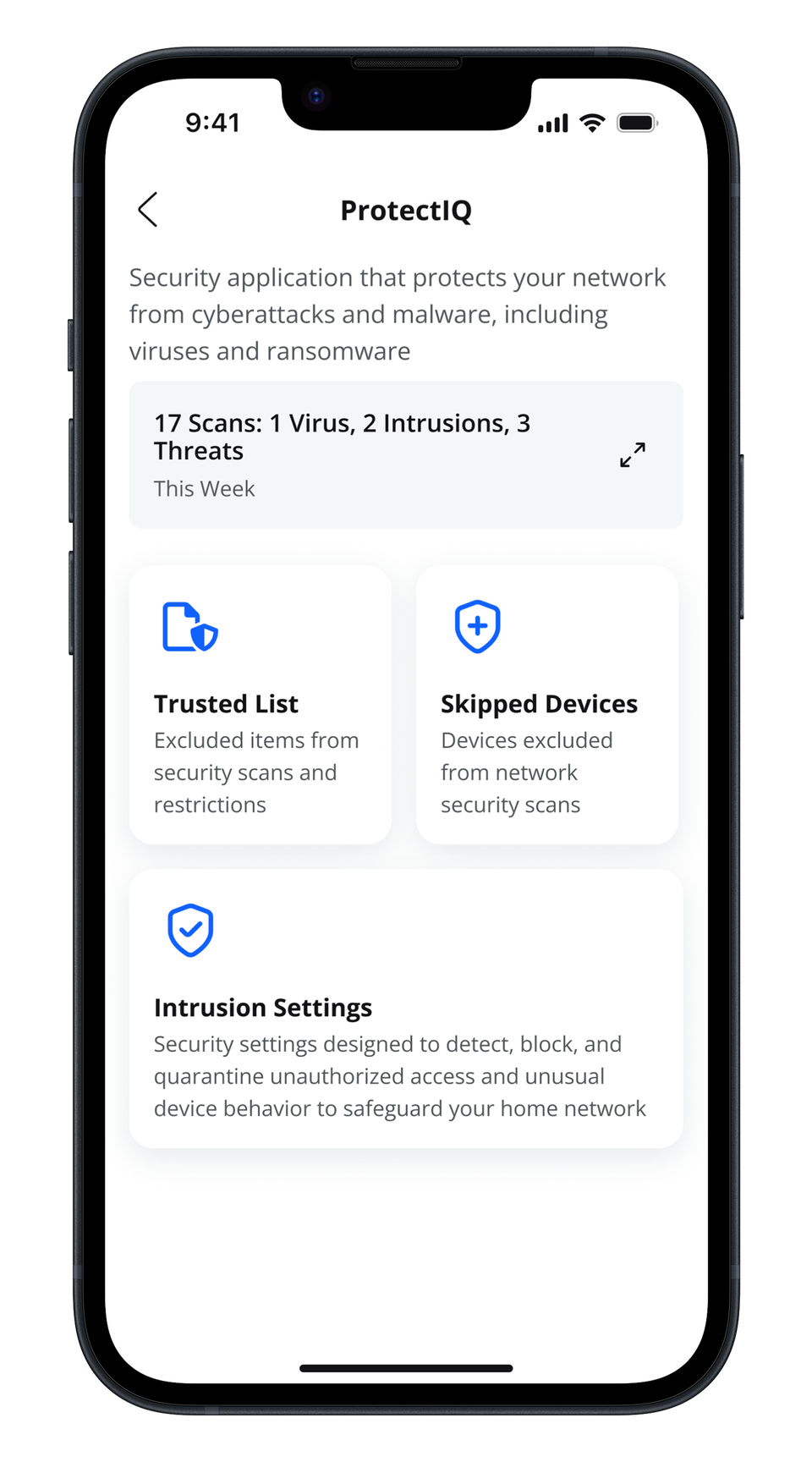
What can I do with Protect IQ?
ProtectIQ works quietly in the background to provide an extra layer of protection against malicious traffic.
- Data coming into your network will be scanned for viruses and other malicious content and you will receive a notification if the content was blocked for any reason. This will show as a notification within the ProtectIQ main menu item in your app, or a push notification to your cellphone.
- No action is needed when you receive an alert. These threats are automatically blocked from entering your network.
Additional features within ProtectIQ include:
- Trusted List shows items you have selected as trusted in your notifications screen.
- Skipped Devices allows you to select devices that will be skipped during security scans.
- Intrusion Settings allow you to enable an added layer of protection. Enable both options for the ultimate protection.
- Additional Details provides additional information including packets analyzed and the total number of threats detected and blocked.