
EXPERIENCE IQ SUPPORT
Experience IQ Support
Last Updated: October 30, 2026
Things to Know About Experience IQ
- ExperienceIQ lets you create profiles for people or devices to manage and customize Internet access in your home.
- You can pause Internet access, set screen time limits, and apply parental controls to all devices connected to a profile.
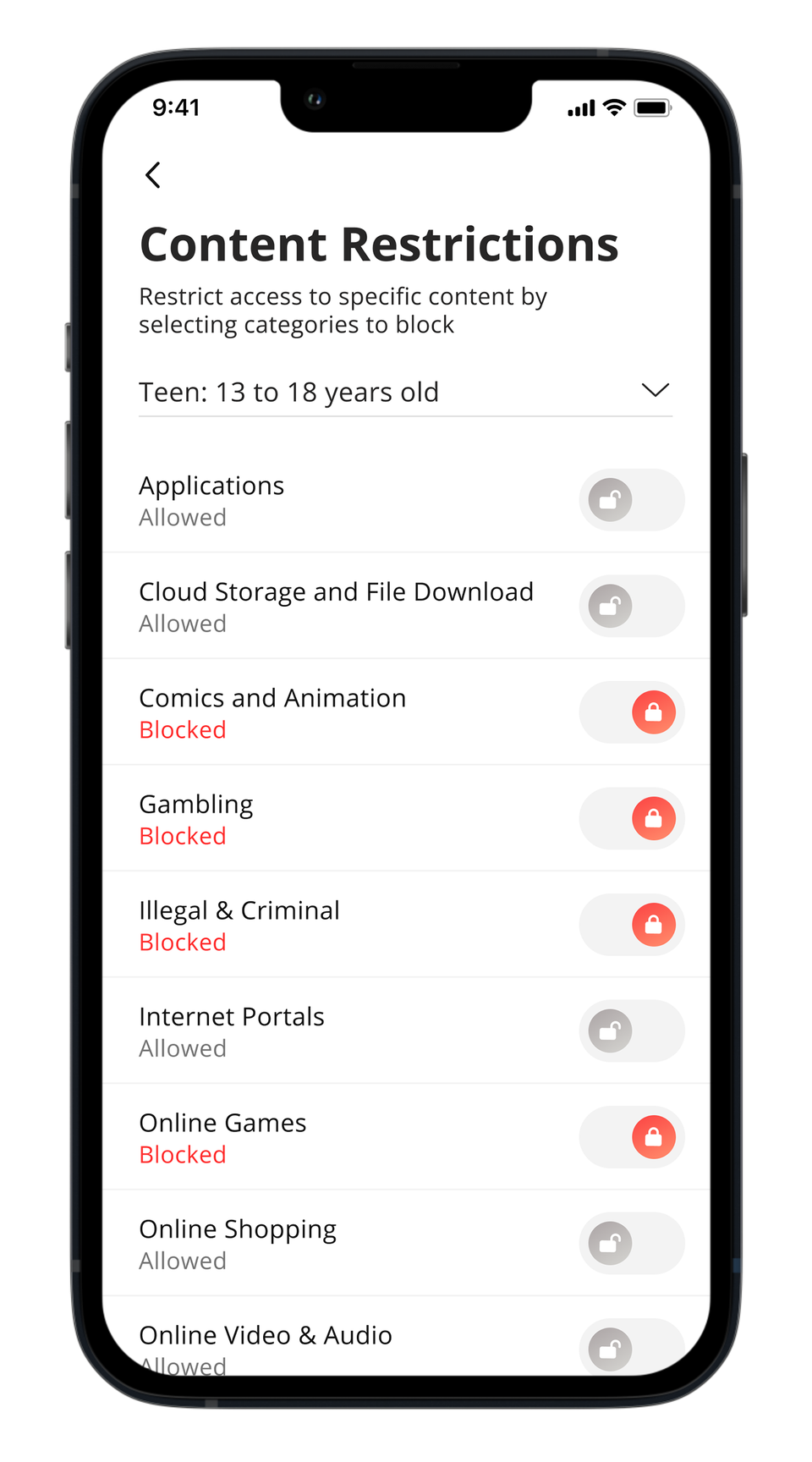
- Restrictions include Safe Search, YouTube restrictions, content filtering by age/category, and blocking or allowing specific apps and websites.
- Parental controls only work when devices are connected to your home Wi-Fi network.
- Avoid adding the device running the app to a profile, or you could accidentally block your own access to controls.
- Activity Prioritization helps improve performance for important activities like streaming, gaming, or video calls by giving them network priority.
- You can also prioritize up to 5 specific devices temporarily or permanently for faster speeds and lower latency on your Wi-Fi network.