MYWTC - TROUBLESHOOTING
myWTC - Troubleshooting
Last Updated: October 23, 2026
Troubleshooting?
Once you've logged into your myWTC portal, you can easily troubleshoot your equipment. Follow along below to learn how. As always, if you have any questions, call or text 785-456-1000, or email support@wtcks.com.
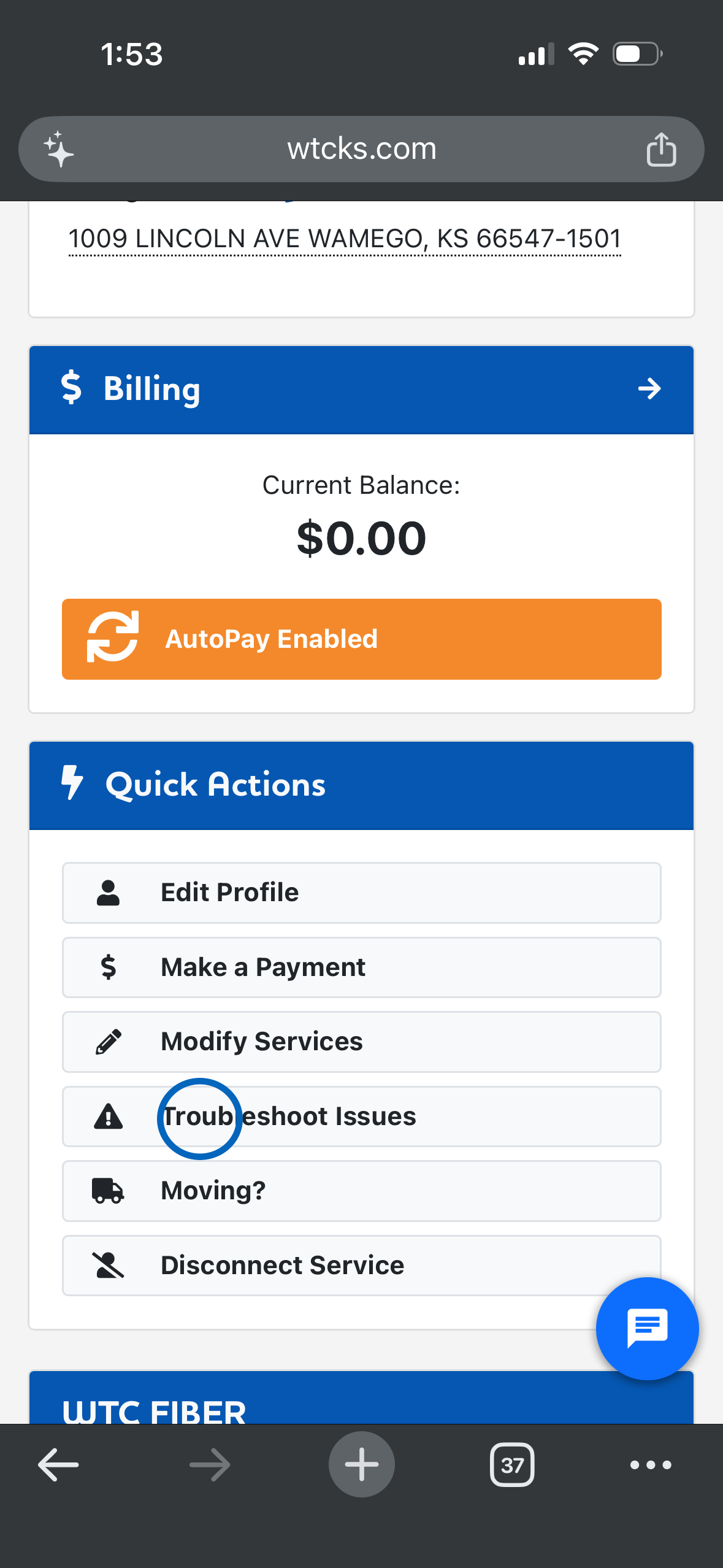
Step 1: Click Troubleshoot Issues under Quick Actions.
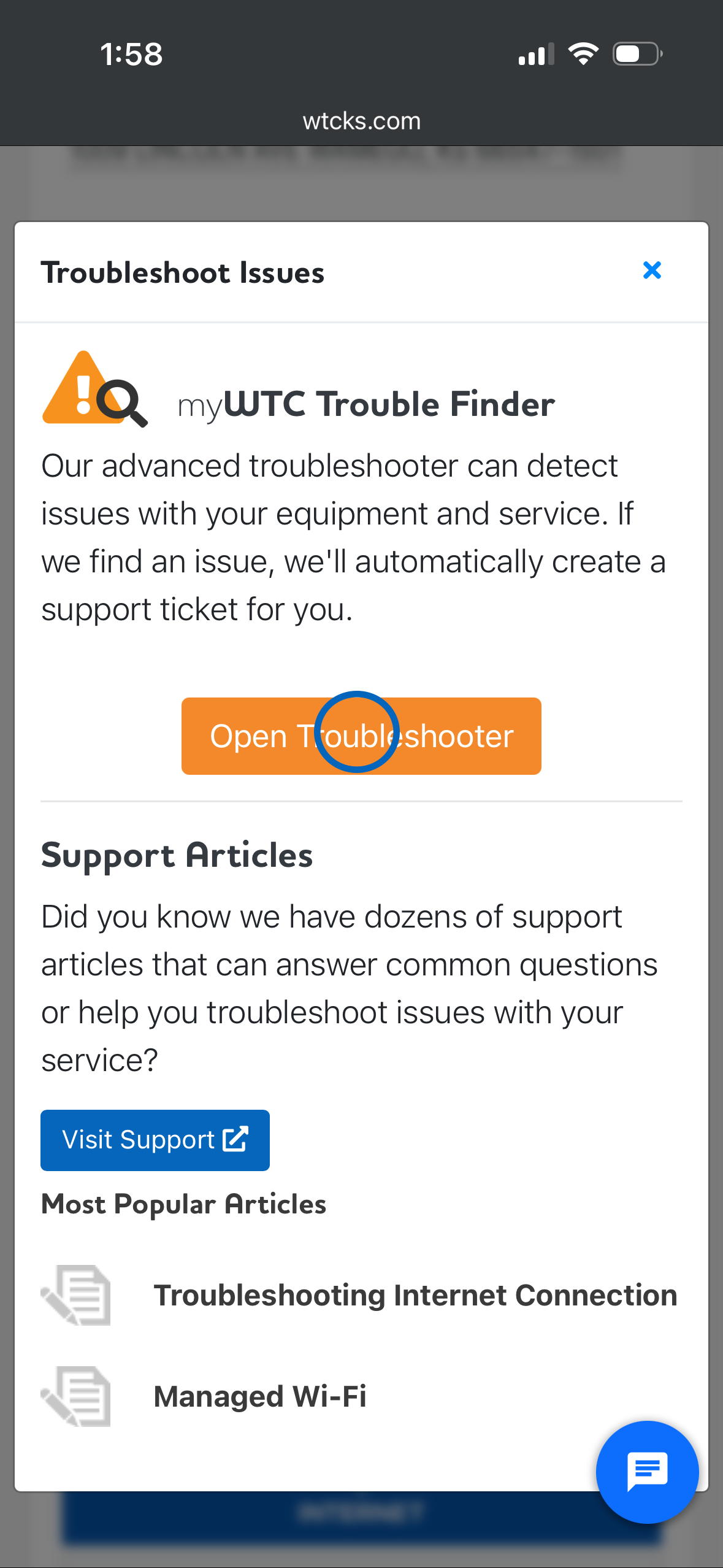
Step 2: Click Open Troubleshooter to find out what is wrong. You can also click visit Support to find an article that may relate to the problem you are having.
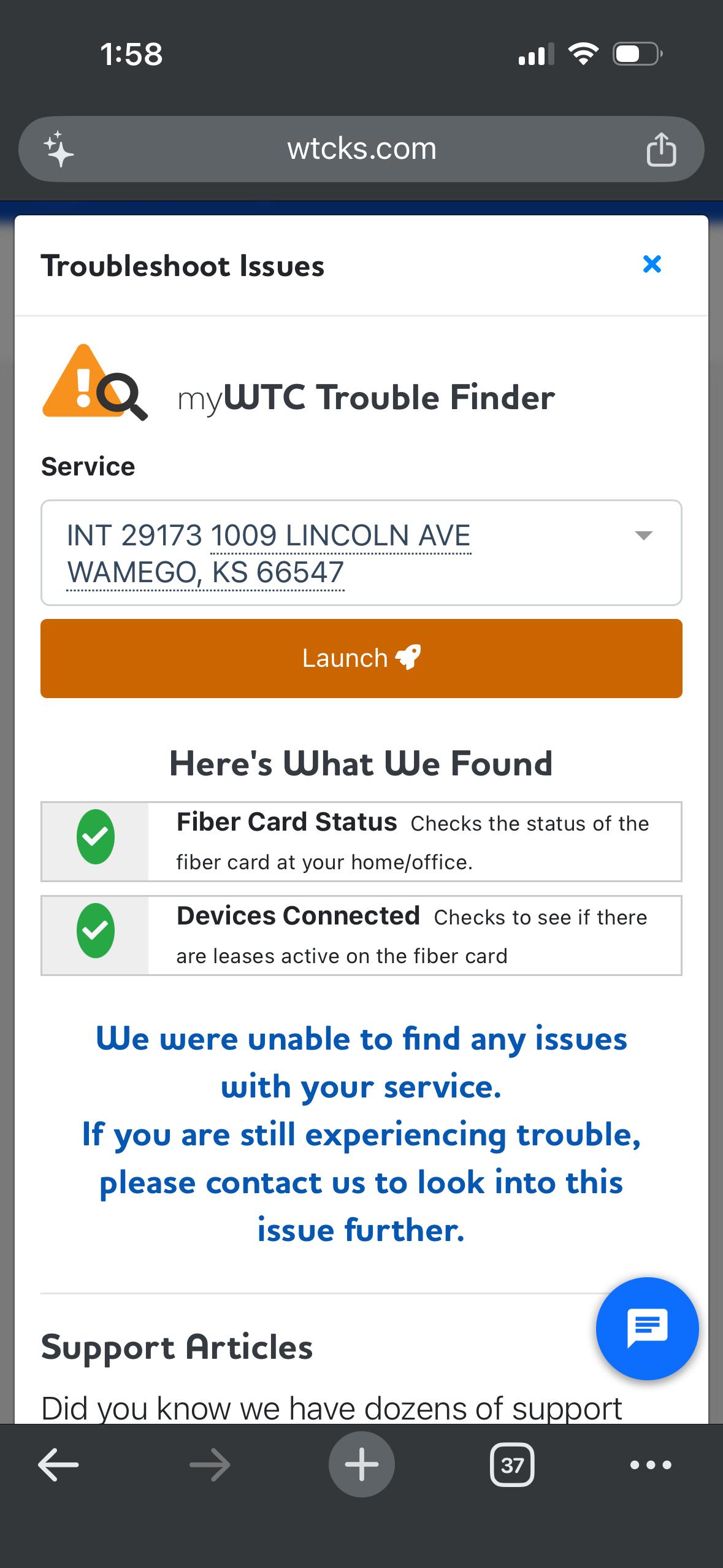
Step 3: After clicking Open Troubleshooter, find the service you are having issues with and press Launch. Results will show below. If something is wrong, there will be an option to create a trouble ticket to have a technician address your issue.